
Collect photos and signatures on mobile for Salesforce
Use Formyoula to capture photos, signatures and sketches in a mobile form and save them to the mapped Salesforce record. Files can be stored as Chatter files, attachments or documents, including when the form is filled in offline and later synced. Forms can be deployed to Salesforce users or Formyoula-only users.
How can I collect photos and signatures on mobile and save them to Salesforce records?
Add photos, signatures and sketches inside a Formyoula mobile form, even with no connection and without switching apps. When the entry syncs, the files are saved to the Salesforce record as Chatter files, attachments or documents.
- Capture photos, signatures, sketches and other files on iOS, Android and the Formyoula mobile web app, including fully offline.
- Entries are saved on the device and sync to Salesforce automatically when the connection returns.
- You choose how files attach with Formyoula Salesforce connections, including records and Chatter feeds.
- You can also attach the form entry as a PDF to the Salesforce record.
How it works
- Build the form. In Formyoula, drag on photo, signature, sketch or Formyoula File fields. Connect the form to Salesforce and map it to a standard or custom object.
- Choose how files are saved. Formyoula Files lets you submit images, audio, video and other documents into Salesforce as Chatter files, attachments or documents. You can choose how files are attached using Formyoula Salesforce connections, including records, user and group Chatter feeds.
- Capture on a phone, tablet or browser. Use the app on iPhone and iPad or Android, or the Formyoula mobile web app on desktop and mobile browsers. Mac and Windows devices are supported too.
- Work offline, then sync. Photos, signatures and sketches can be captured with no signal. Entries stay on the device and are submitted to Salesforce when the connection returns. You can also attach the form entry as a PDF to the Salesforce record.
For a step-by-step walkthrough, see the Capture Photos, Signatures and Sketches Offline guide, or the Formyoula Files getting started page.
Where this is used
- Field service and inspections: add photos, signatures and sketches inside the form so they land on the Salesforce record, instead of in a separate app.
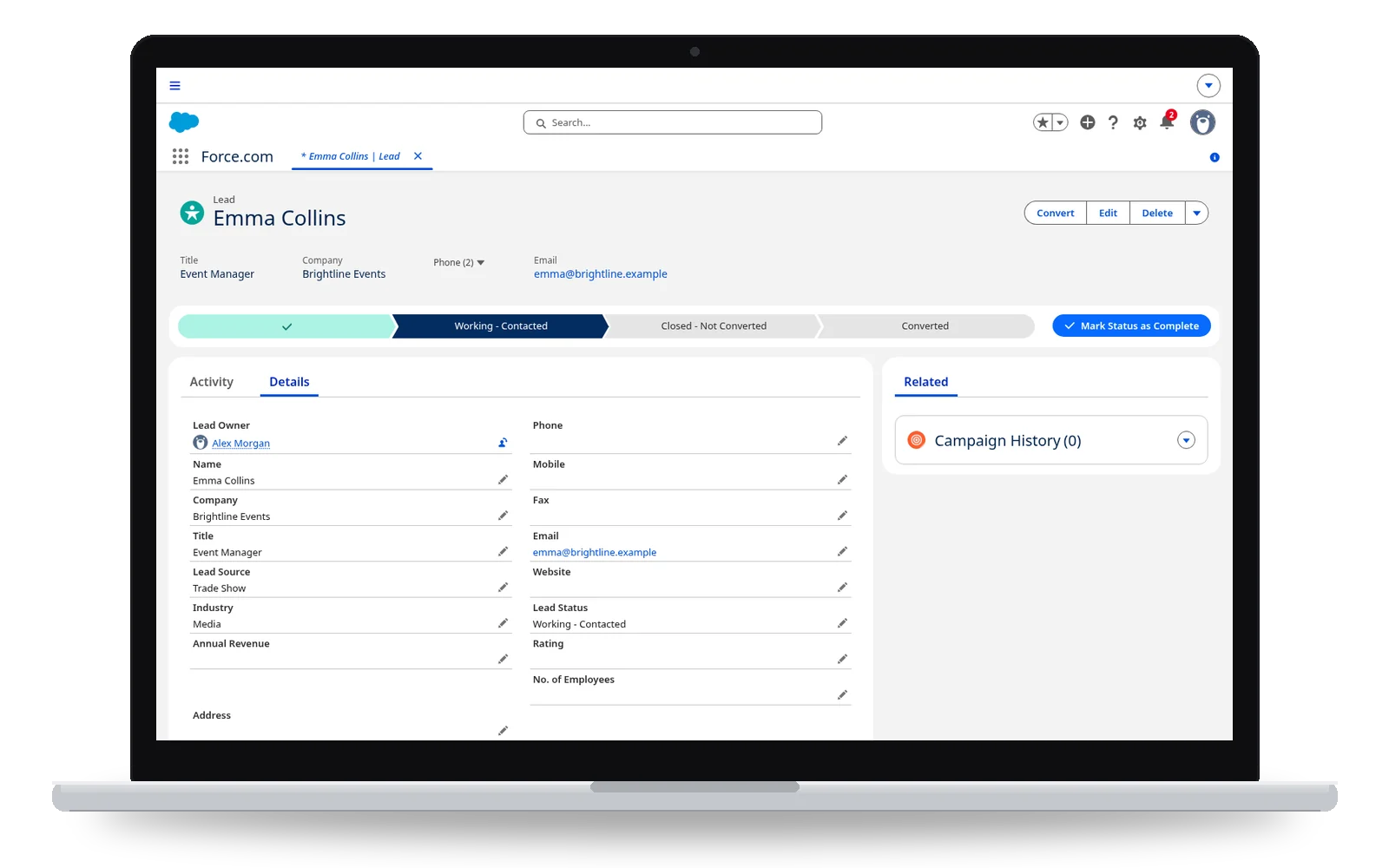
- Events and trade shows: capture leads and contacts on a phone or tablet with no Wi-Fi, including signatures, then create the Salesforce records when the device reconnects.
- Site visits and check-ins: collect photos and signatures with the visit or survey data, including on iOS, Android and the mobile web app.
- Mixed teams: deploy forms to Salesforce users or Formyoula-only users.
Frequently asked questions
How can I collect photos and signatures on mobile and save them to Salesforce records?
Add photos, signatures and sketches inside a Formyoula mobile form, even with no connection and without switching apps. When the entry syncs, the files are saved to the Salesforce record as Chatter files, attachments or documents.
Can photos and signatures be captured offline?
Yes. Formyoula captures photos, videos, signatures and sketches fully offline. Entries are stored on the device and submitted to Salesforce when the device connects to the internet again.
Where are the files stored in Salesforce?
Photos, signatures, sketches and other files can be saved as Chatter files, attachments or documents. Formyoula Files can also post files in records, user and group Chatter feeds, depending on how you configure the Salesforce connection.
Can I attach a PDF of the form to the Salesforce record?
Yes. You can attach the form entry as a PDF to the Salesforce record.
Who can fill in the forms?
Deploy forms to Salesforce users or Formyoula-only users. Formyoula works with any Salesforce licence, including partner licences. Each person capturing entries needs a Formyoula licence, and the form owner needs a Salesforce licence.
Where can I find the how-to guide?
See Capture Photos, Signatures and Sketches Offline on guides.formyoula.com, and the Formyoula Files getting started page.
See related pages
Read offline forms for field workers, the offline media capture example, or compare plans.